How to download leads from facebook ads manager
Running Facebook lead ads is a smart way to collect potential customer information — like names, emails, and phone numbers. But many advertisers get stuck when it comes to actually downloading those leads.
Thank you for reading this post, don't forget to subscribe!Don’t worry — here’s a simple step-by-step guide to help you access and download your leads directly from Facebook Ads Manager or Meta Business Suite.
Step 1: Go to Meta Business Suite
- Log in to your Meta Business Suite (business.facebook.com).
- On the left-hand menu, click Leads Center.
- Here, you’ll see a list of your lead forms and recent leads.
- You can view leads directly or export them as a CSV file.
✅ This method is great if you want to manage leads without leaving Facebook.
Step 2: Use Ads Manager (If You Know the Campaign)
- Go to Ads Manager (adsmanager.facebook.com).
- Find the lead generation campaign you want to pull leads from.
- Click the Ad Set or Ad level.
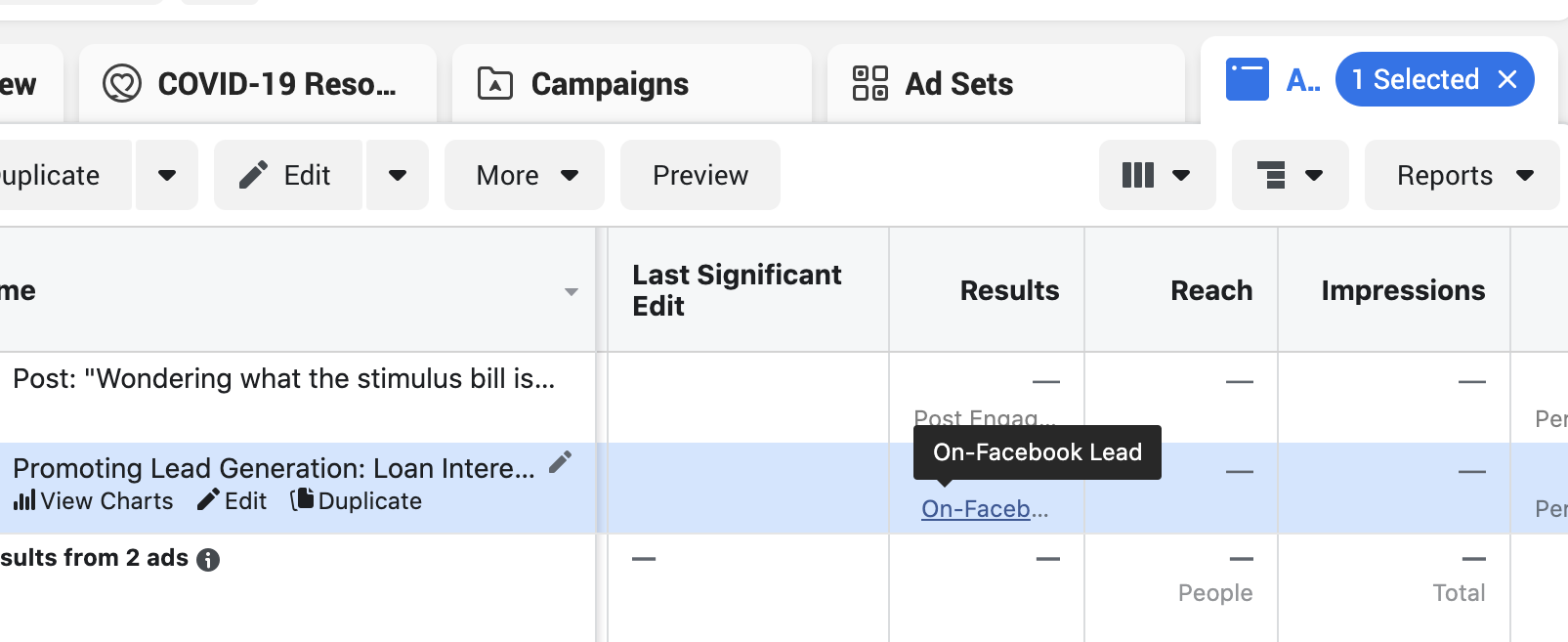
- In the results column, click the “Leads” number — this will open the form details.
- Click Download or “Download Leads” in the pop-up.
📥 Your leads will be downloaded as a CSV file, which you can open in Excel, Google Sheets, or upload to your CRM.
Step 3: Download Leads from the Forms Library
If you’re running multiple ads with the same form, this method works best:
- Go to Publishing Tools (if you’re using classic Facebook Page tools).
- Scroll down to Forms Library under “Lead Ads Forms.”
- Find the form you used and click Download next to it.
- Choose your download range (e.g., last 90 days).
💡 Note: Facebook only stores leads for 90 days, so download them regularly.
Bonus Tip: Use a CRM or Zapier for Automation
Want your leads to go straight to your email, spreadsheet, or CRM?
You can integrate Facebook Lead Ads with tools like:
- Zapier
- HubSpot
- Zoho CRM
- Mailchimp
This way, you don’t have to log in and download them manually every time.
Common Questions
Q: How often should I download my Facebook leads?
A: At least once a week — or more frequently if you’re running high-traffic campaigns.
Q: Can I see old leads from last year?
A: No, Facebook only keeps leads for up to 90 days. Make sure to export them on time.
Final Thoughts
Downloading leads from Facebook Ads Manager isn’t complicated once you know where to look. Whether you’re a small business owner or running ads for clients, staying on top of your leads is key to turning interest into sales.
Need help setting up or managing your Facebook lead ads? Let a pro handle it while you focus on converting those leads into loyal customers.